
Members who stay engaged
Course status, tee times, menus, events and statements in one app with your name on it. The club becomes part of every member's week.
For private country clubs & resorts
Your club's own member app, plus a staff platform with an AI assistant that takes on the busywork. Members book and RSVP on their own. Staff get things done in a sentence.
The live demo runs on a sample club. Sign-in details on request.
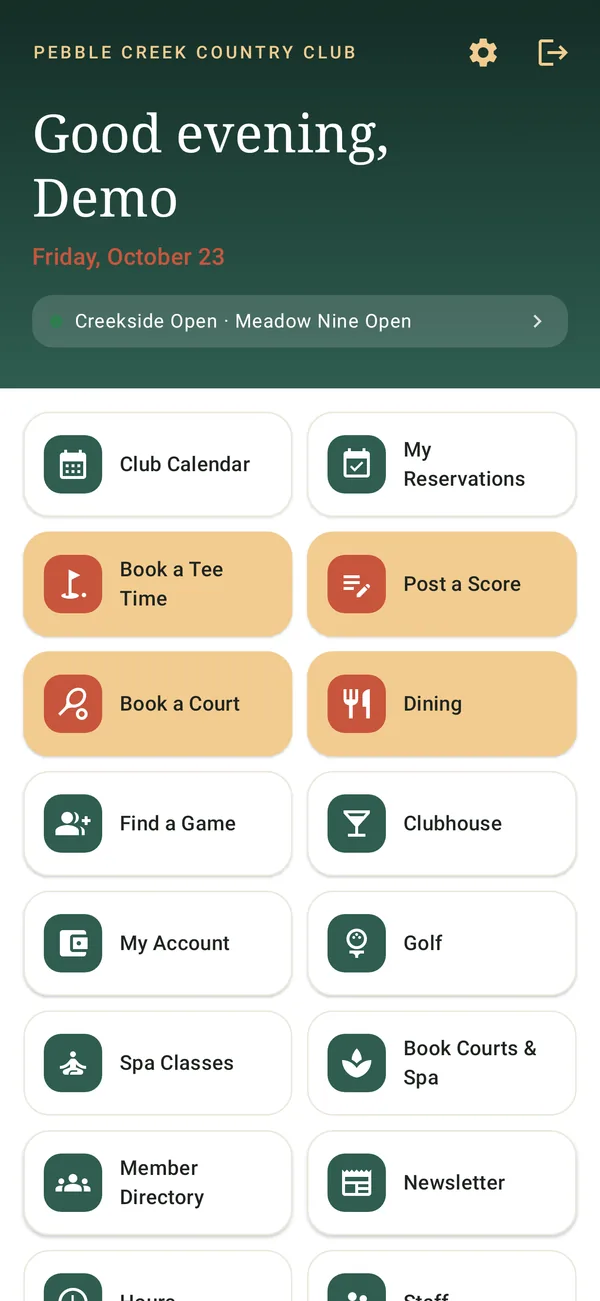
Course status, tee times, menus, events and statements in one app with your name on it. The club becomes part of every member's week.
Open times are a tap away, cancelled spots go to the waitlist automatically, and the assistant flags quiet afternoons while there's still time to fill them.
Members book for themselves, course status updates from your daily email, and staff ask the assistant instead of clicking through screens.
The member app
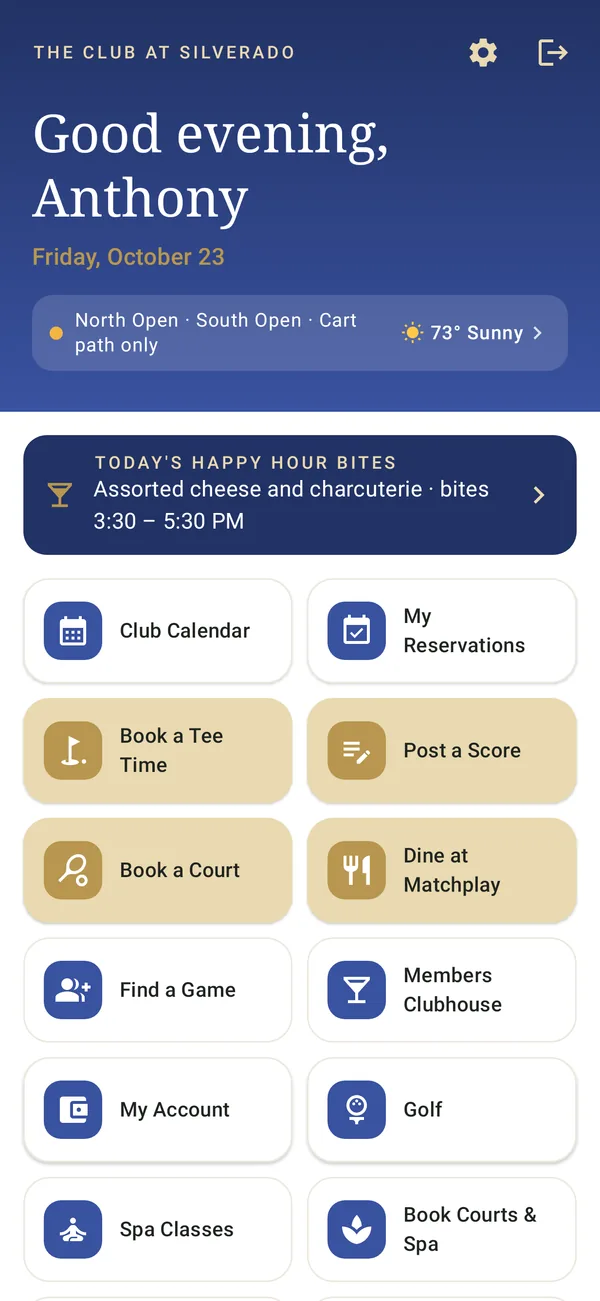
A white-label app in your name, logo and colors. Everything members check, book and read, kept current by your team from one dashboard.
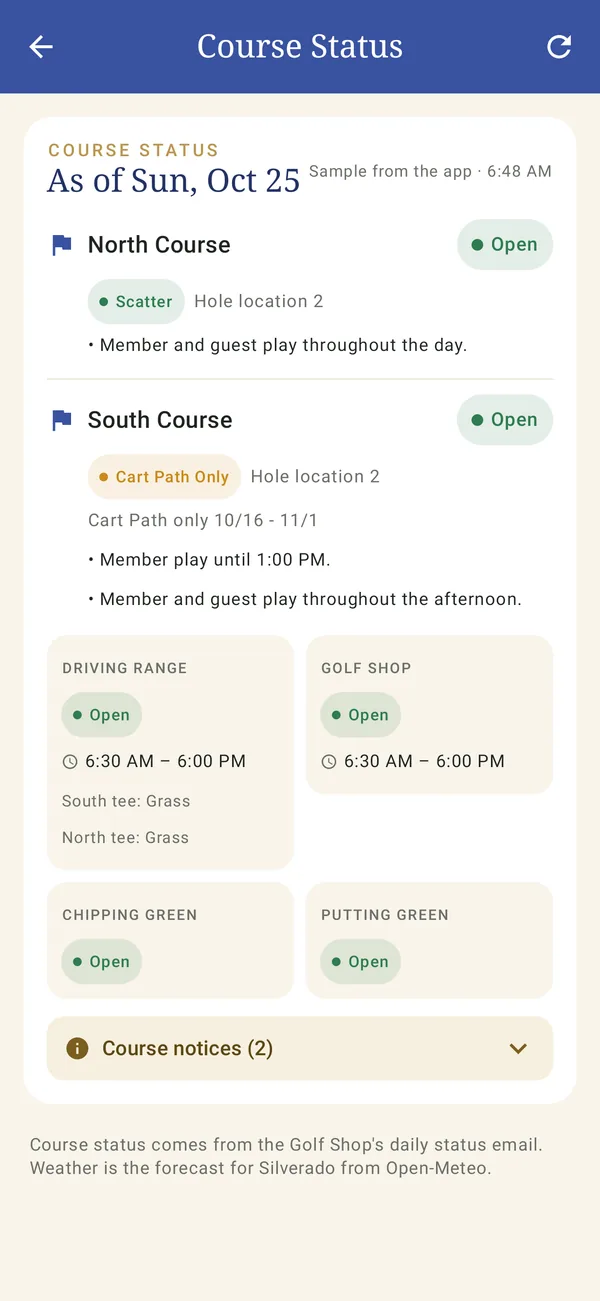
Open or closed, cart rules, pins and weather, updated from your daily email.
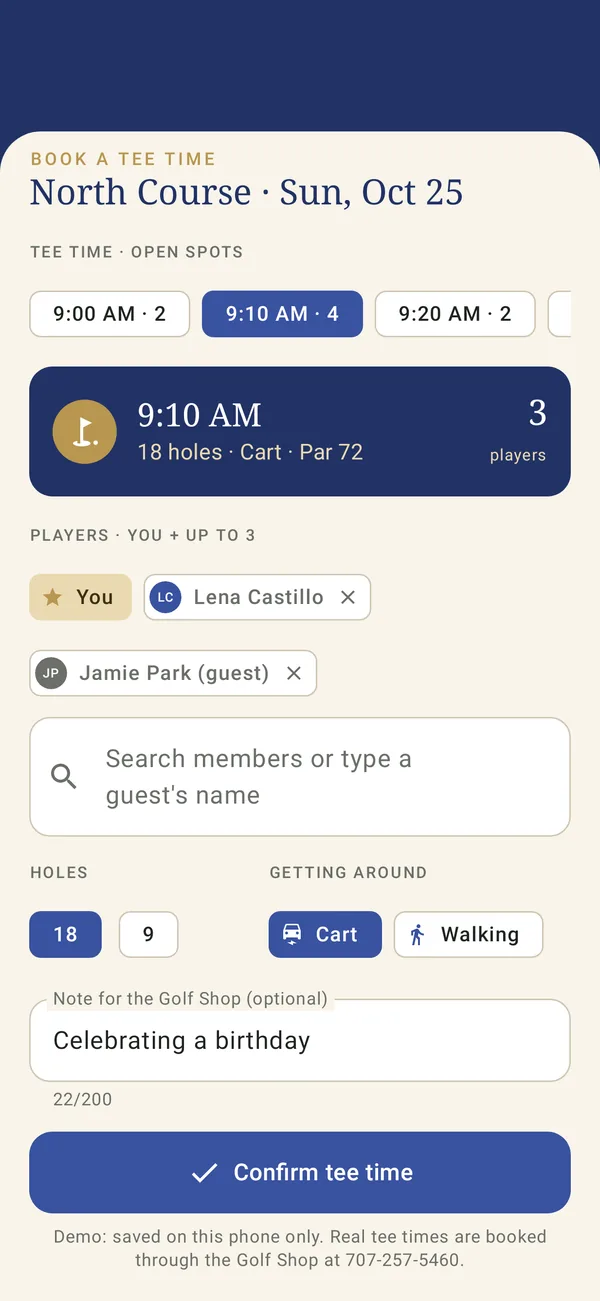
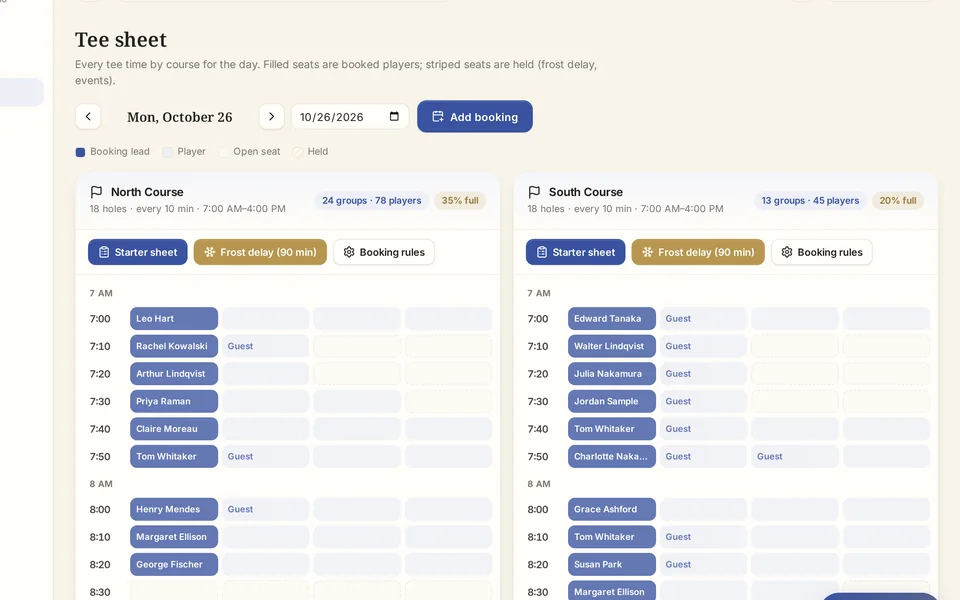
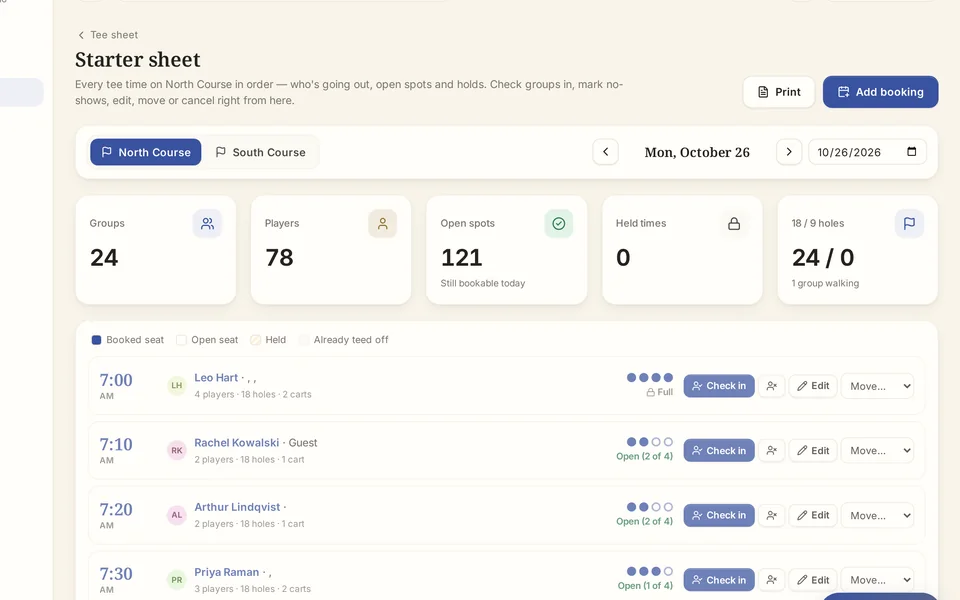
Book in a few taps. The pro shop runs a live starter sheet.
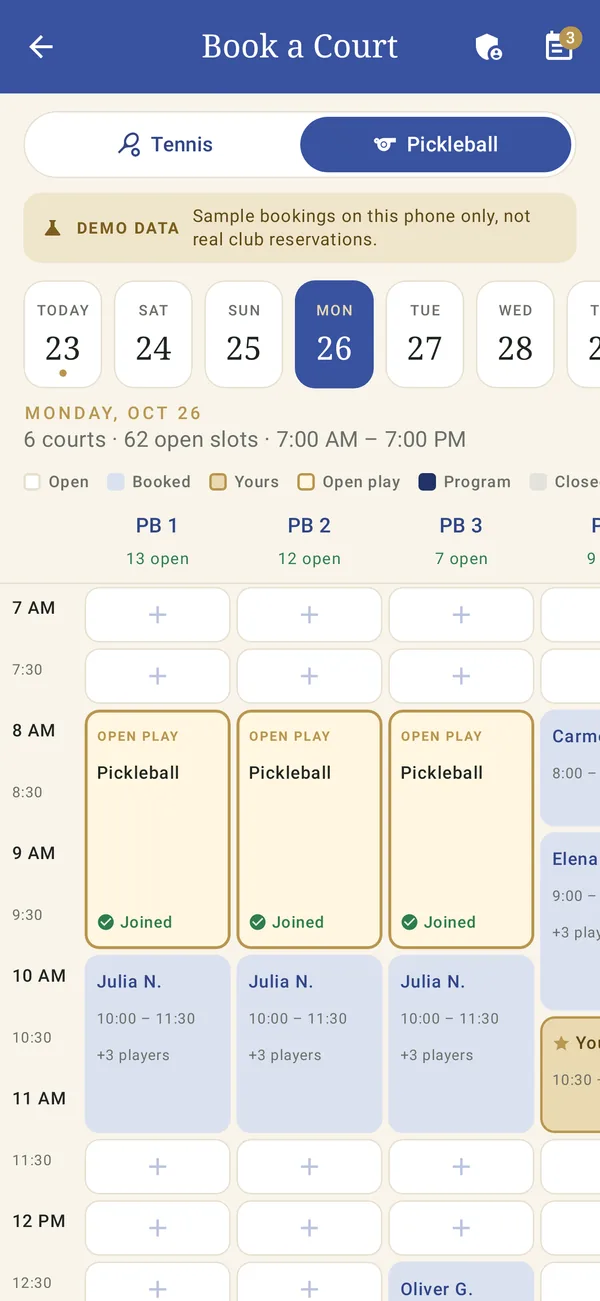
See open courts at a glance and book on the spot.
Everything on at the club, with one-tap RSVPs.
Menus, hours and the happy hour calendar.
Post a game or join one and meet new partners.
Find a fellow member and call, text or email.
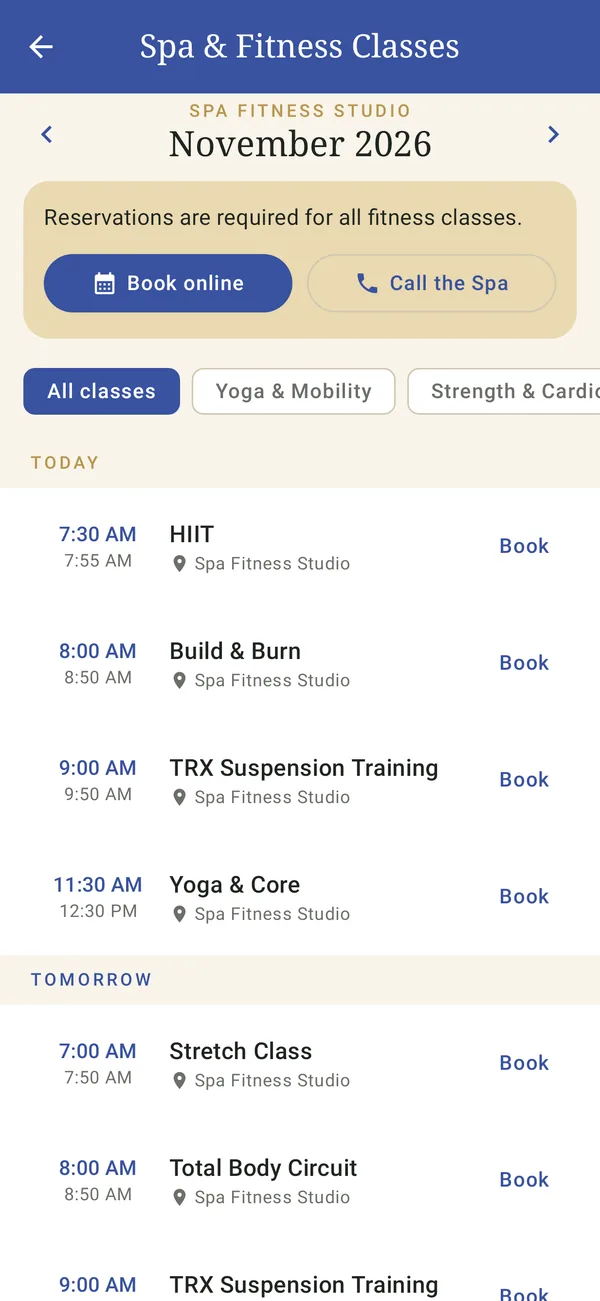
Class schedules and how to book.
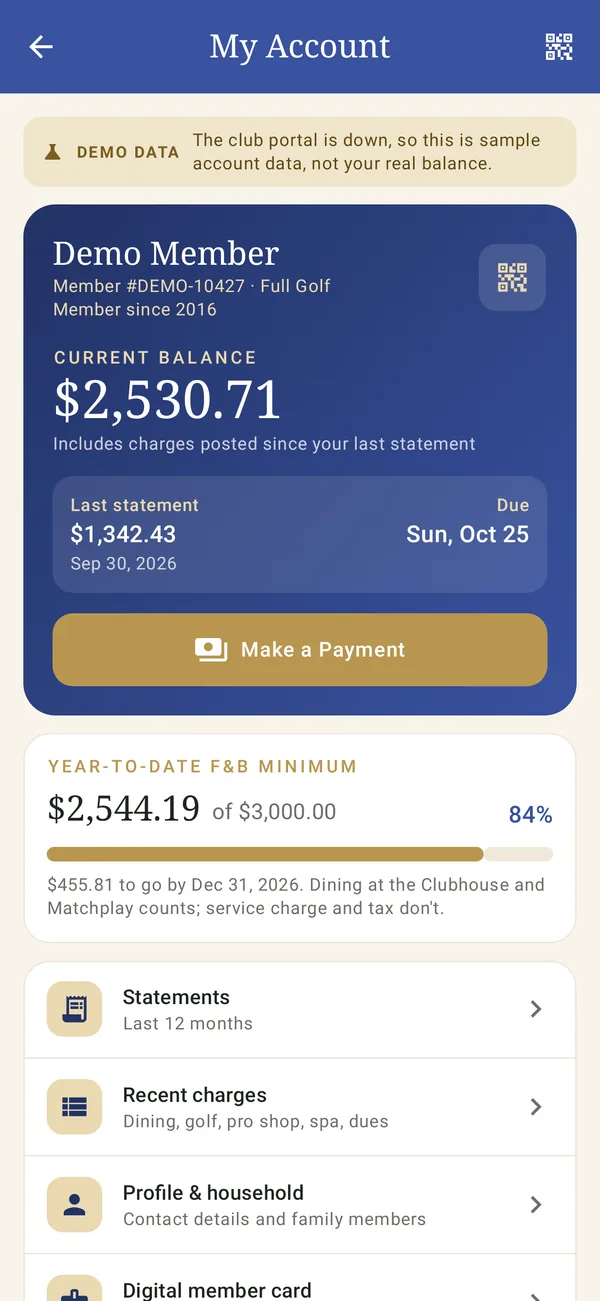
Balance, statements and charges, any time.
The club newsletter and announcements.
Real screens from the member app · sample club, demo data
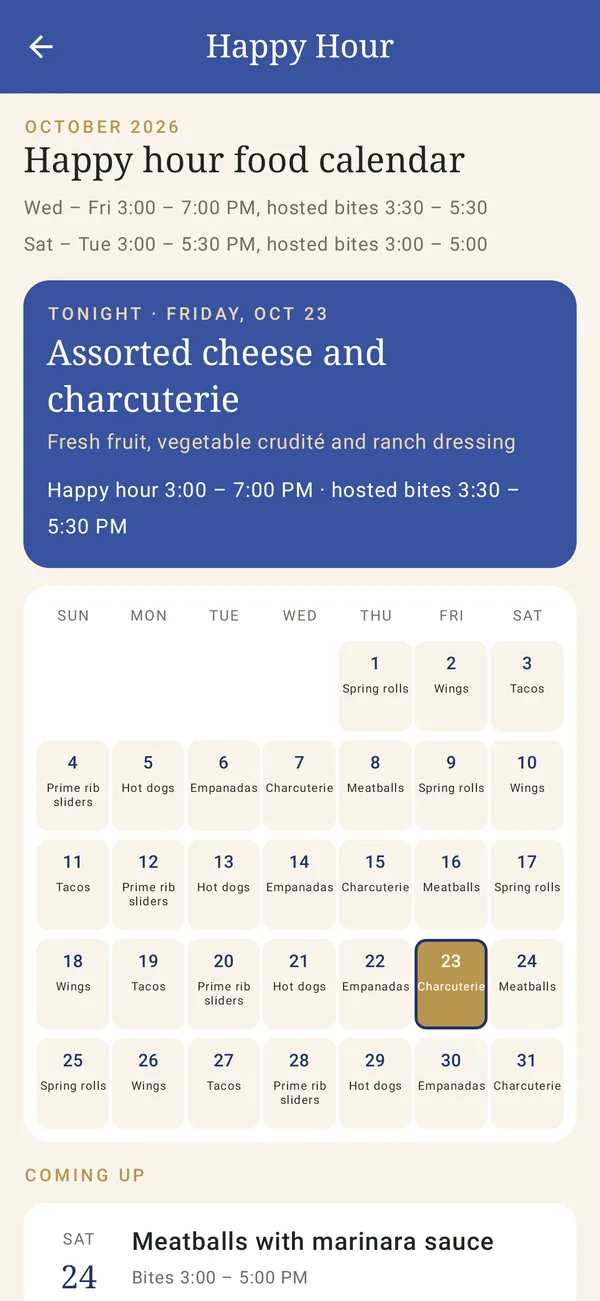
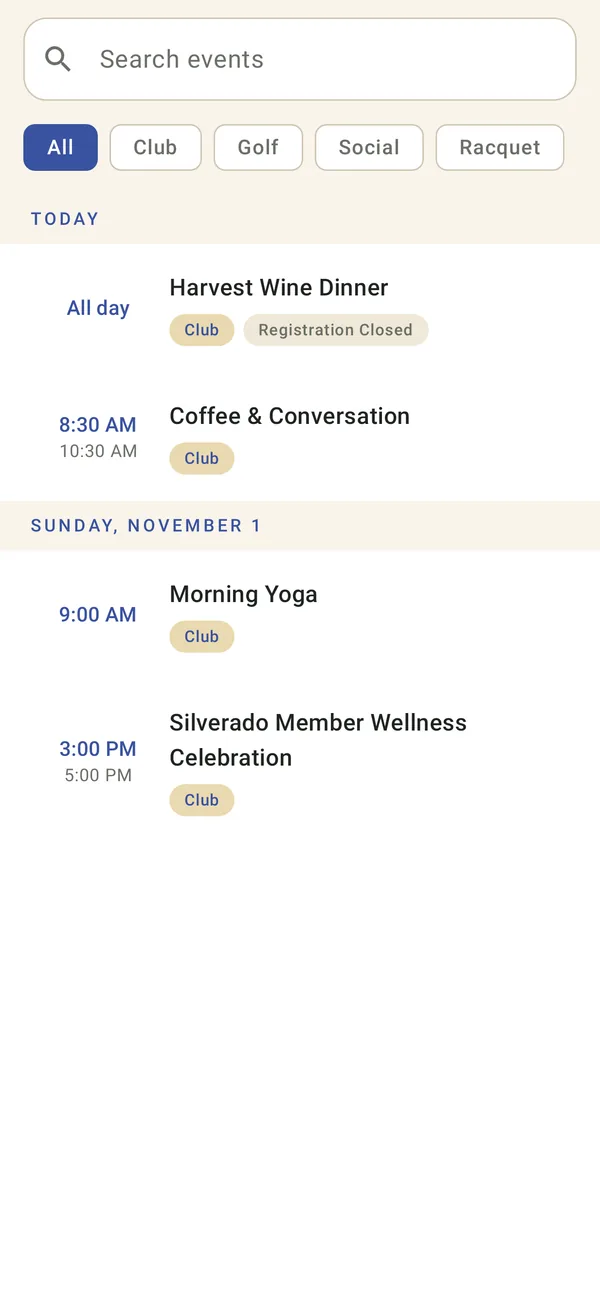
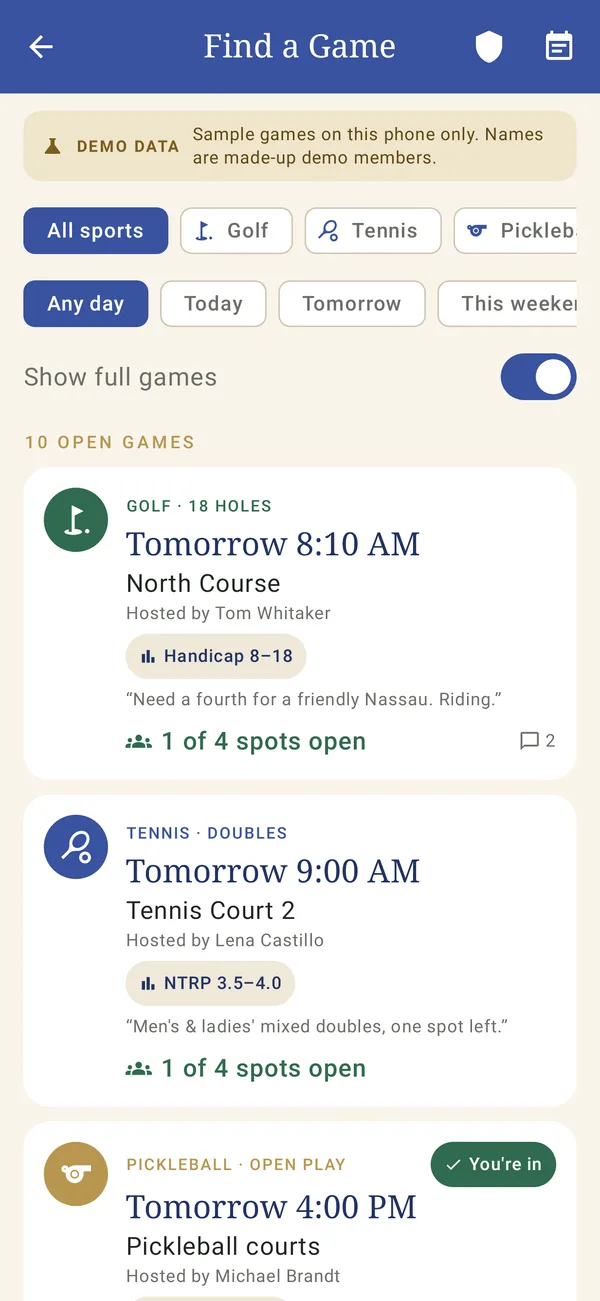
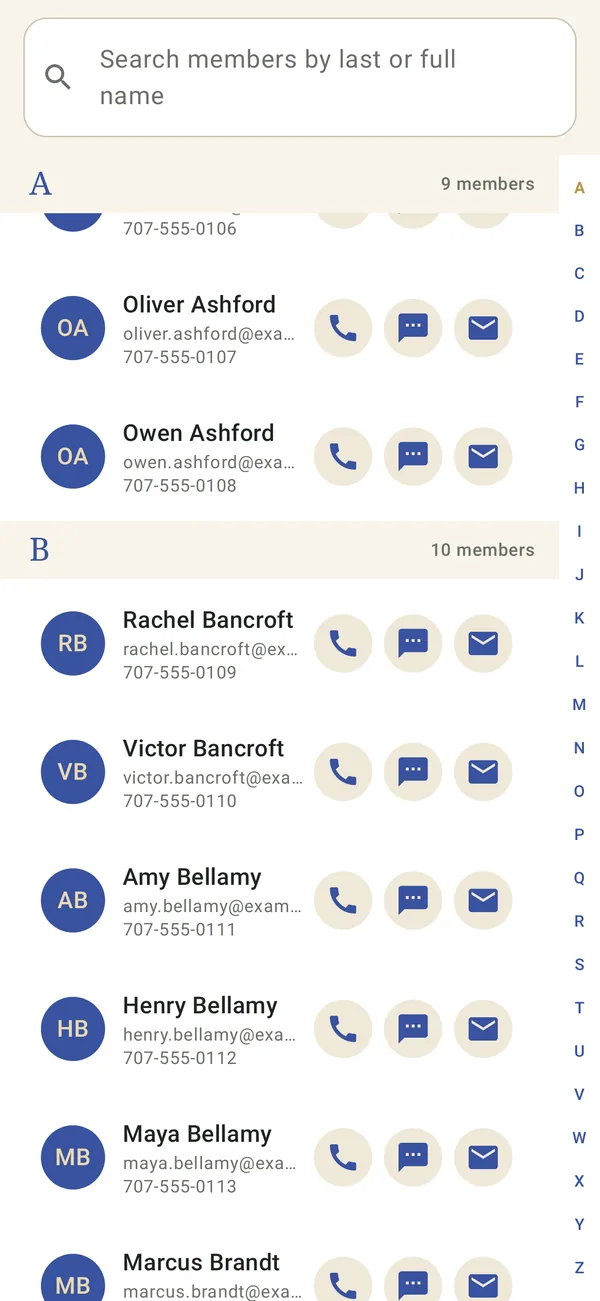
On Android today, and on iPhone and iPad as a web app members add to their Home Screen. Open the member web app
White-label
Your club's name, logo and colors throughout, set up with a live phone preview. Members see your club, not ours.
AI staff assistant · Powered by Grok
An assistant on every page of the dashboard. Ask in plain English and it answers from your club's own data. For anything that changes the sheet or messages members, it shows the plan and waits for Confirm.

Now available
Every hour the assistant reviews the tee sheet, events, balances, courts and course conditions, and suggests what's worth doing, with a ready-made draft. Staff approve, edit or dismiss. Nothing is sent or changed until they press Confirm.

The staff dashboard
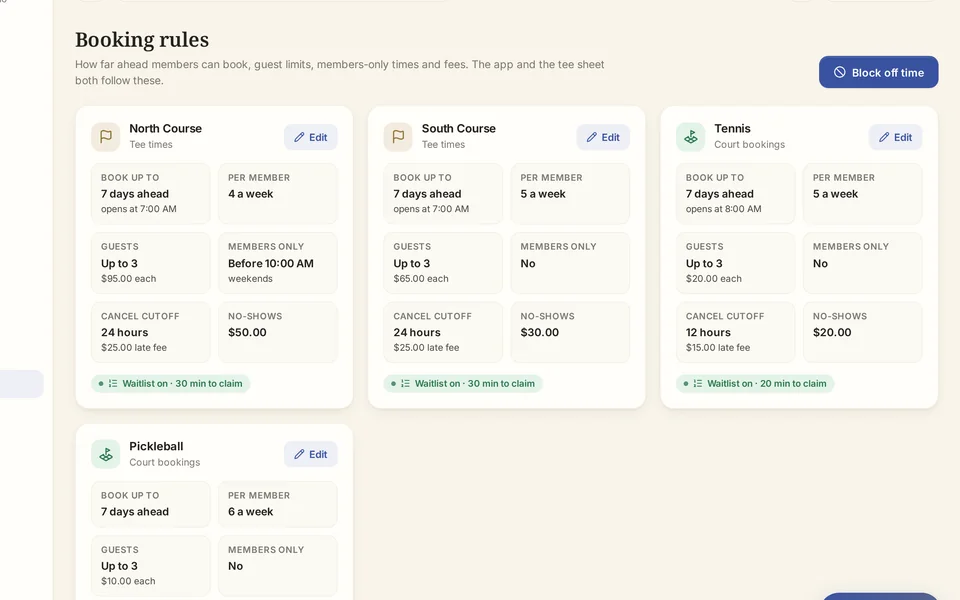
One clean place for the pro shop, racquets, dining, membership and the front desk. Changes reach the member app right away.


How it works
We show you the app and dashboard on a sample club and learn how your club runs.
Your name, logo and colors. Your courses, courts, outlets and booking rules.
We import your roster and set up staff with the right roles.
Members get an invite to your club's app. Staff work from the dashboard.
Coming from another app or a spreadsheet? We bring over your member data, courses, courts and booking rules with your team, and check it all with you before anyone is invited.
Security & privacy
Every member, booking and message belongs to exactly one club, and every request is scoped to the signed-in person's club.
Job roles with a permission matrix your club controls. The assistant only sees and does what that person's role allows.
Assistant changes and notices run only after the same staff member confirms, and land in the audit log.
Passwords hashed with Argon2, secure session cookies with CSRF protection, and AI keys that never reach the browser.
Pricing
We price ClubMarque.ai around your membership, the modules you use and how much your staff lean on the assistant. Tell us about your club and we'll put together a proposal.
A proposal sized to your club.
Book a demo
A short walk-through of the member app, the dashboard and the assistant, around how your club runs. No pressure, no obligation.
Prefer to look around first? Open the live demo (sign-in details on request).
We'll be in touch soon to find a time for your demo.